Online Manual
streamZ User Guide

4.4.2 4.2 Using Native streamZ Features
agentZ supports direct access to streamZ's native recording, streaming and other features.
- After connecting the device to power and a monitor, locate the Yunbao Web application on the desktop.
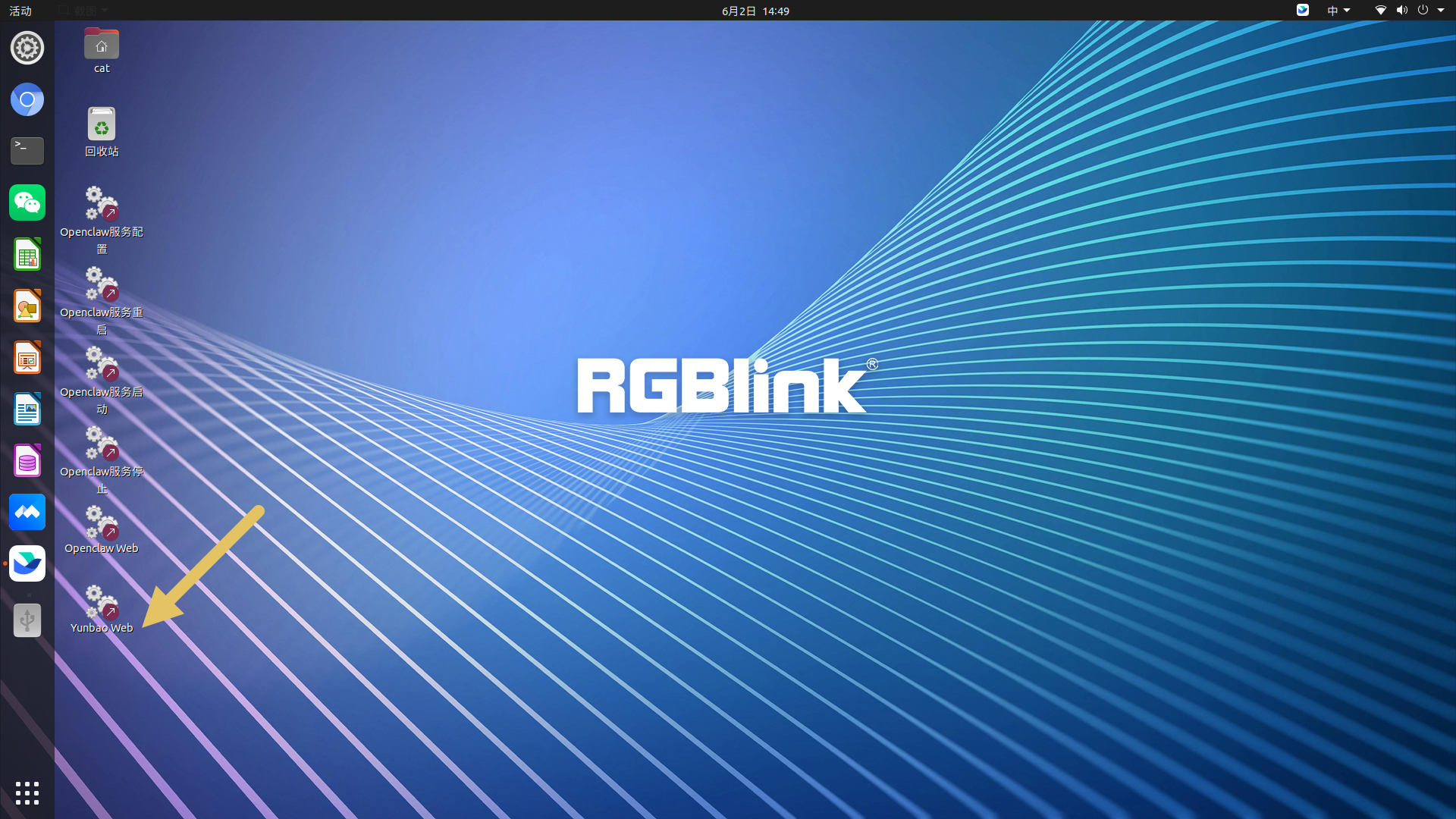
- Double-click the application to open the web interface.
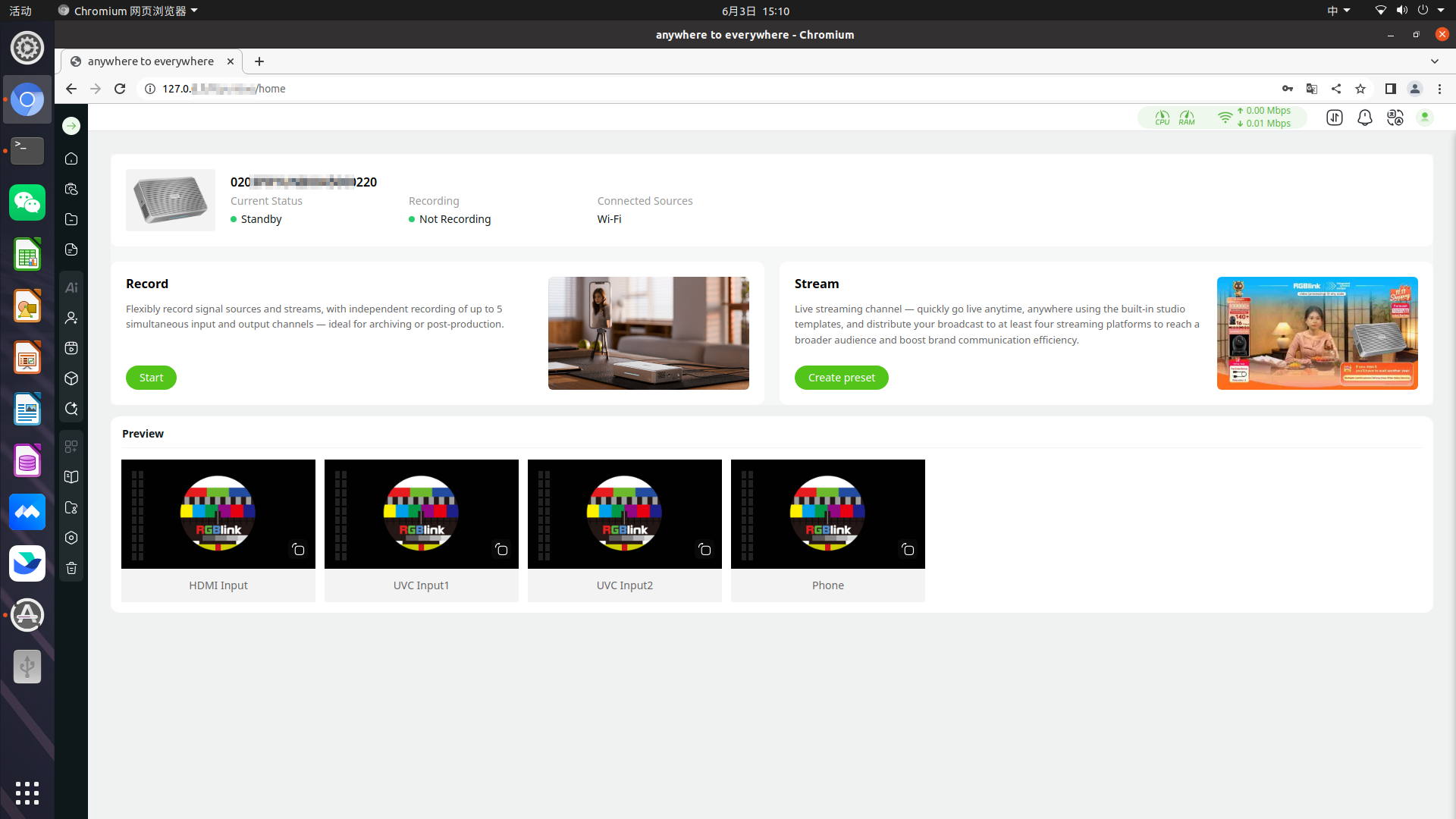
- After completing device pairing and network configuration through the TAO APP (see section 2.1 Key Steps), you can also access the web interface by entering the device IP address provided by the TAO APP into a browser on the same network.
- Once the web interface is open, you can use all native streamZ features, including recording, streaming, system configuration, and other production tools.
For detailed instructions, refer to the relevant chapters in this user manual.
 📢 Important

The access address displayed by the Yunbao Web application may differ from the address shown in the TAO APP.

- Yunbao Web typically uses a local access address on the device.
- TAO APP displays the device's current network-accessible IP address.

Both methods provide access to the same web interface and the same device.