Online Manual
streamZ User Guide

3.1 Unboxing
What's in the Box
In the Box
The package contains:
| streamZ | Power Adapter | USB-C Cable |
|---|---|---|
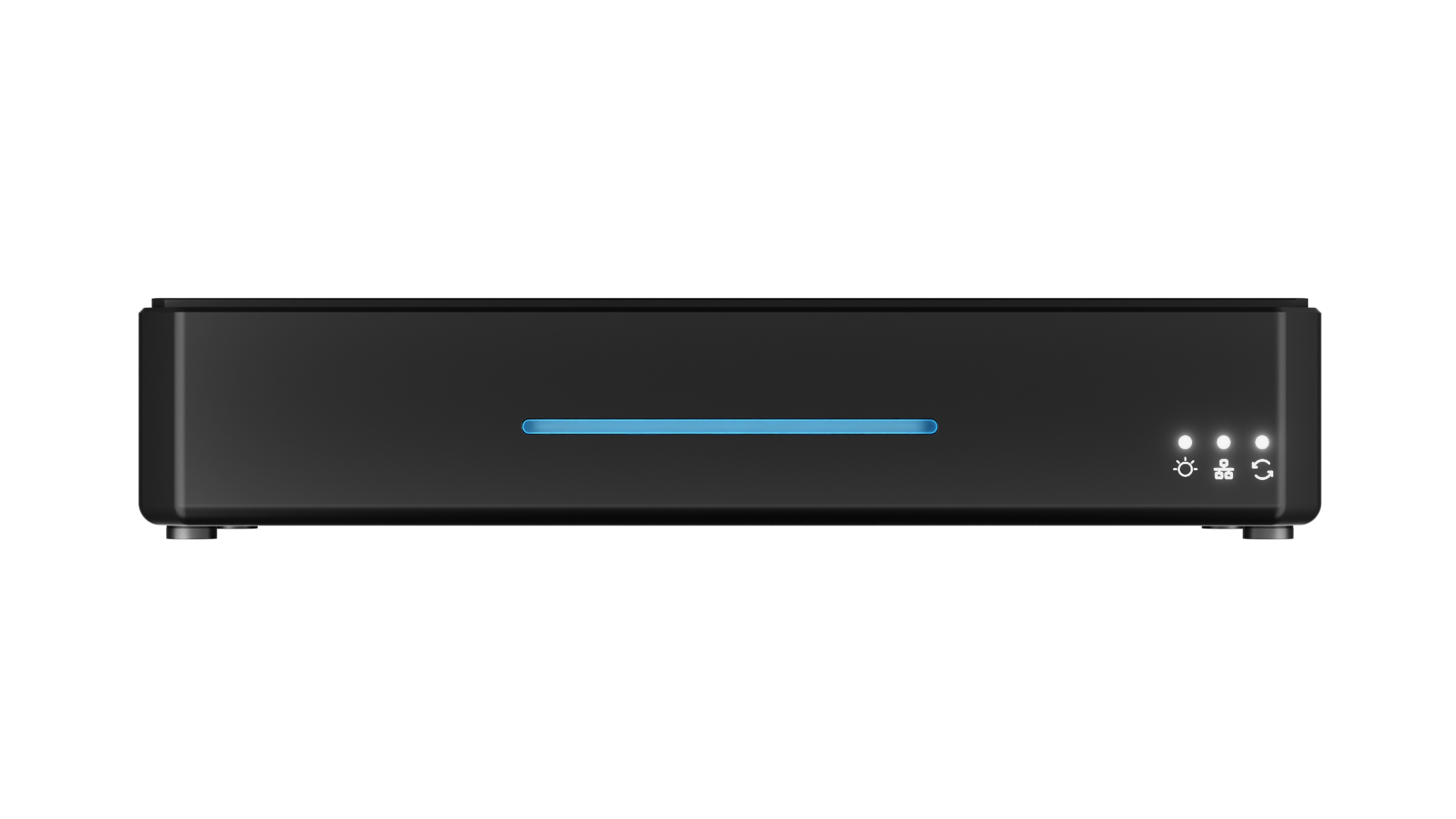 | 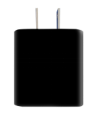 | 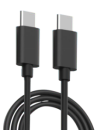 |
📢 Important

Use the included power adapter whenever possible.

If a third-party adapter is used, ensure it provides at least 12 V/3 A to maintain stable system performance.
Using a Power Bank
streamZ can also be powered by a compatible power bank. This is useful in environments where AC power is not available, such as trade shows or outdoor events.
A 20,000 mAh USB-PD power bank with 22.5 W output or higher can power streamZ for approximately 3 hours in dual-camera operation.
Using a power bank allows streamZ to operate without AC power. This can reduce cable usage and makes the device suitable for mobile broadcasting scenarios.
Placement Guide
Follow these placement guidelines to ensure proper cooling and stable operation.
📢 Important

streamZ is intended to be and must be mounted vertically to ensure full airflow around the device.
Avoid placing flat on a table or surface.
Ventilation
Place streamZ in a well-ventilized area. Ensure that the bottom and side cooling vents remain unobstructed.
- Mounting
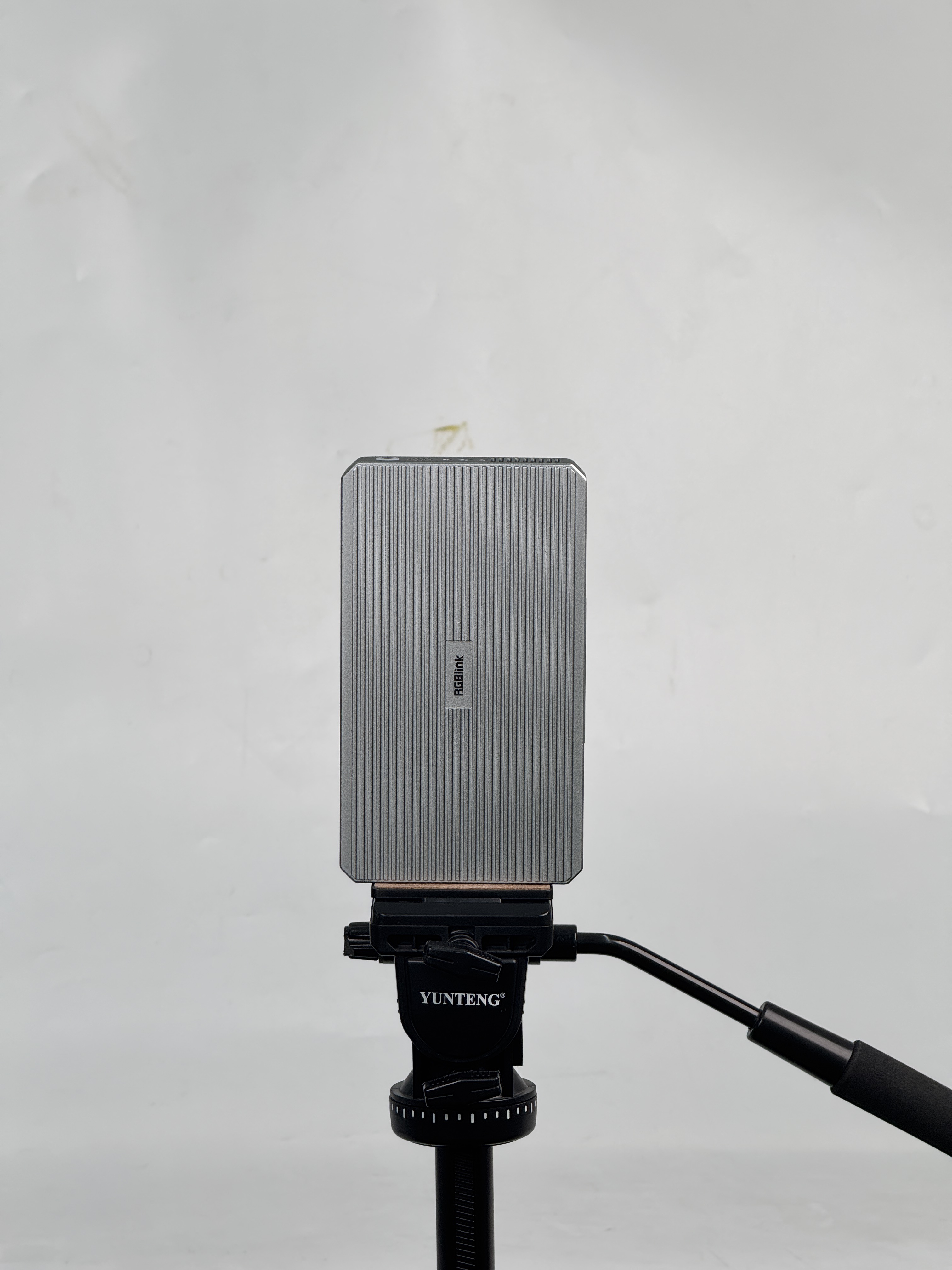
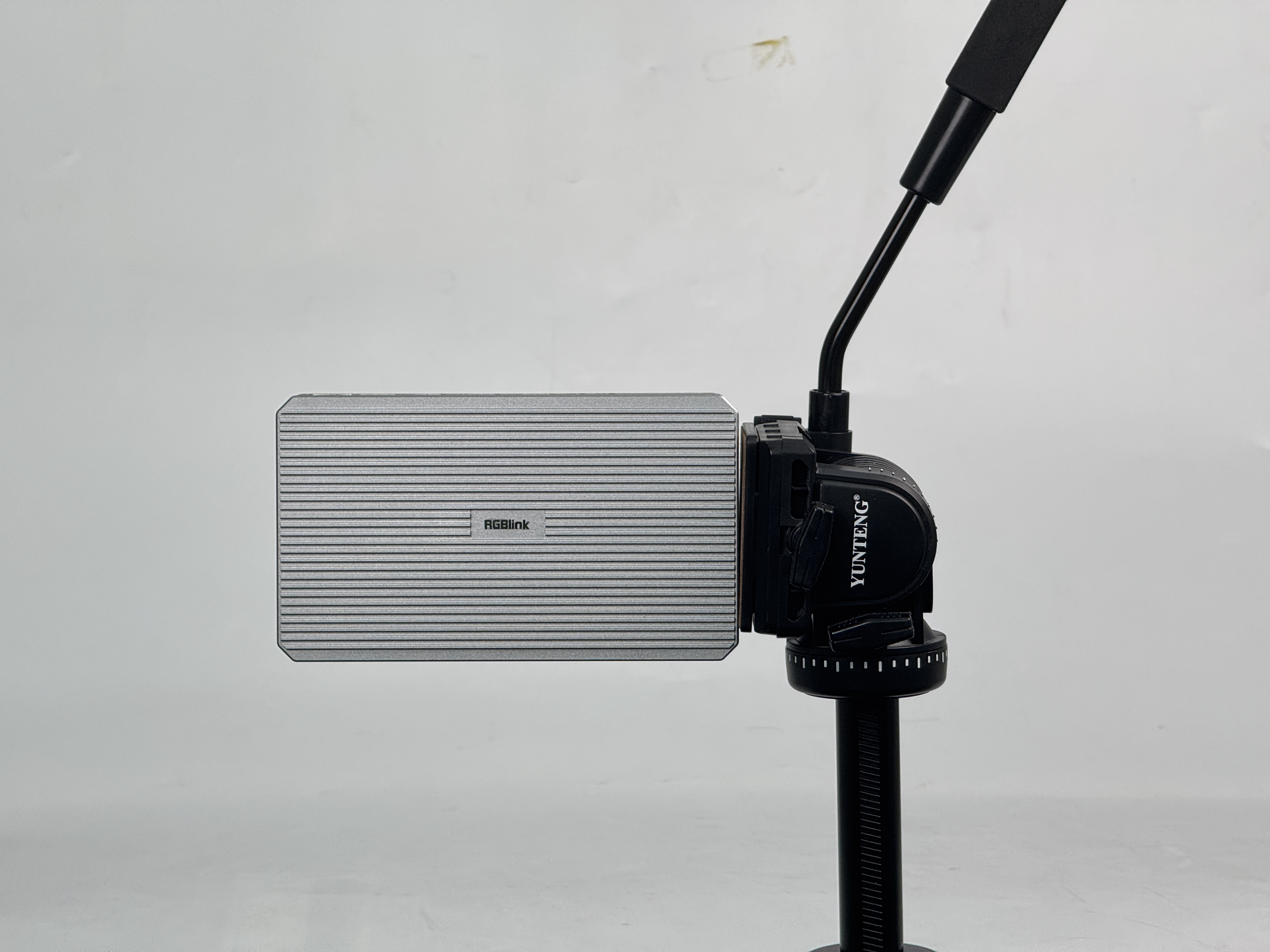
- For improved stability and airflow, streamZ can be mounted on a tripod (sold separately).
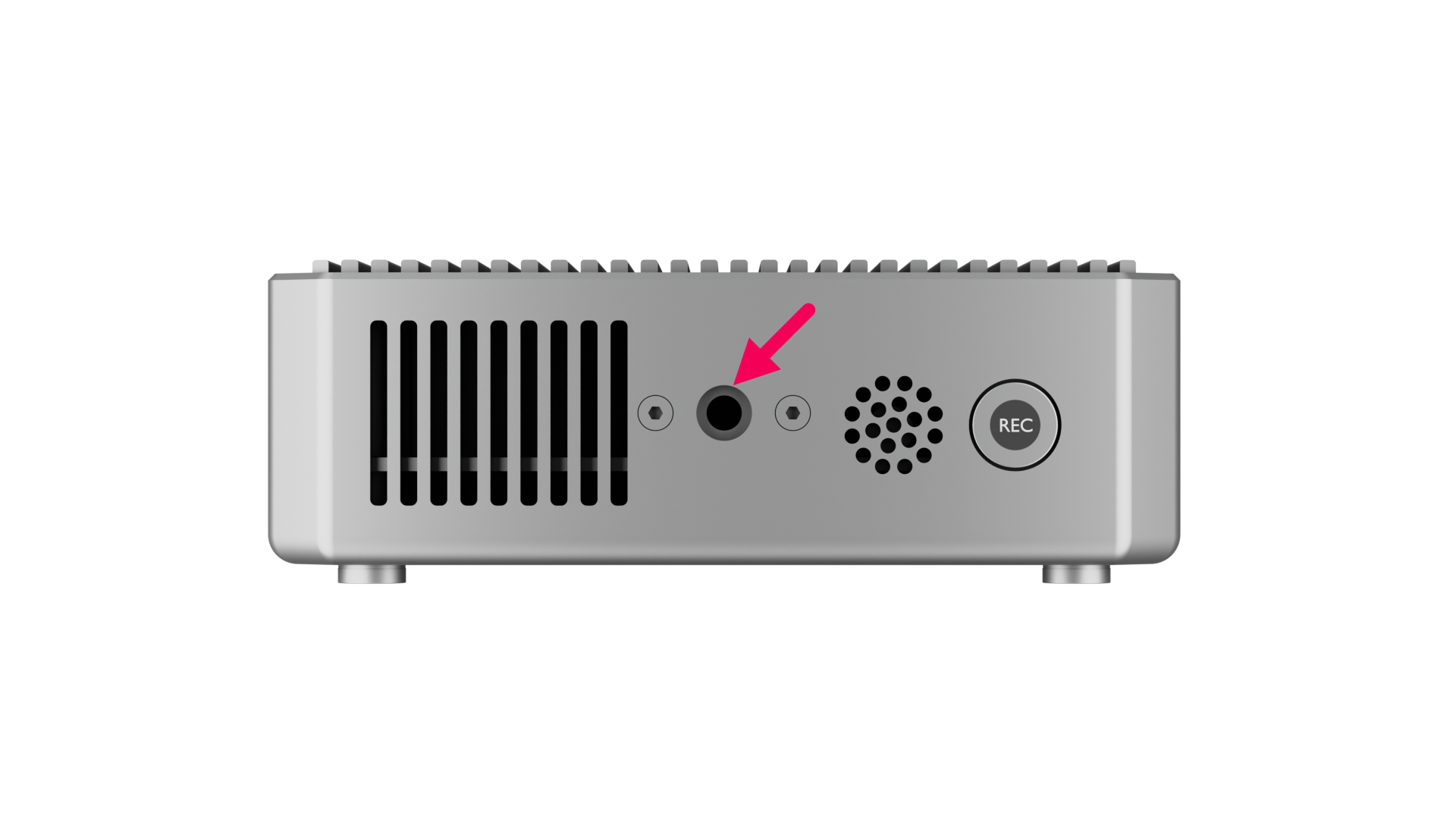
- Attach the device using the standard 1/4-inch mounting threads located on both sides.
- The device supports vertical or horizontal mounting.
- Mounting Threads
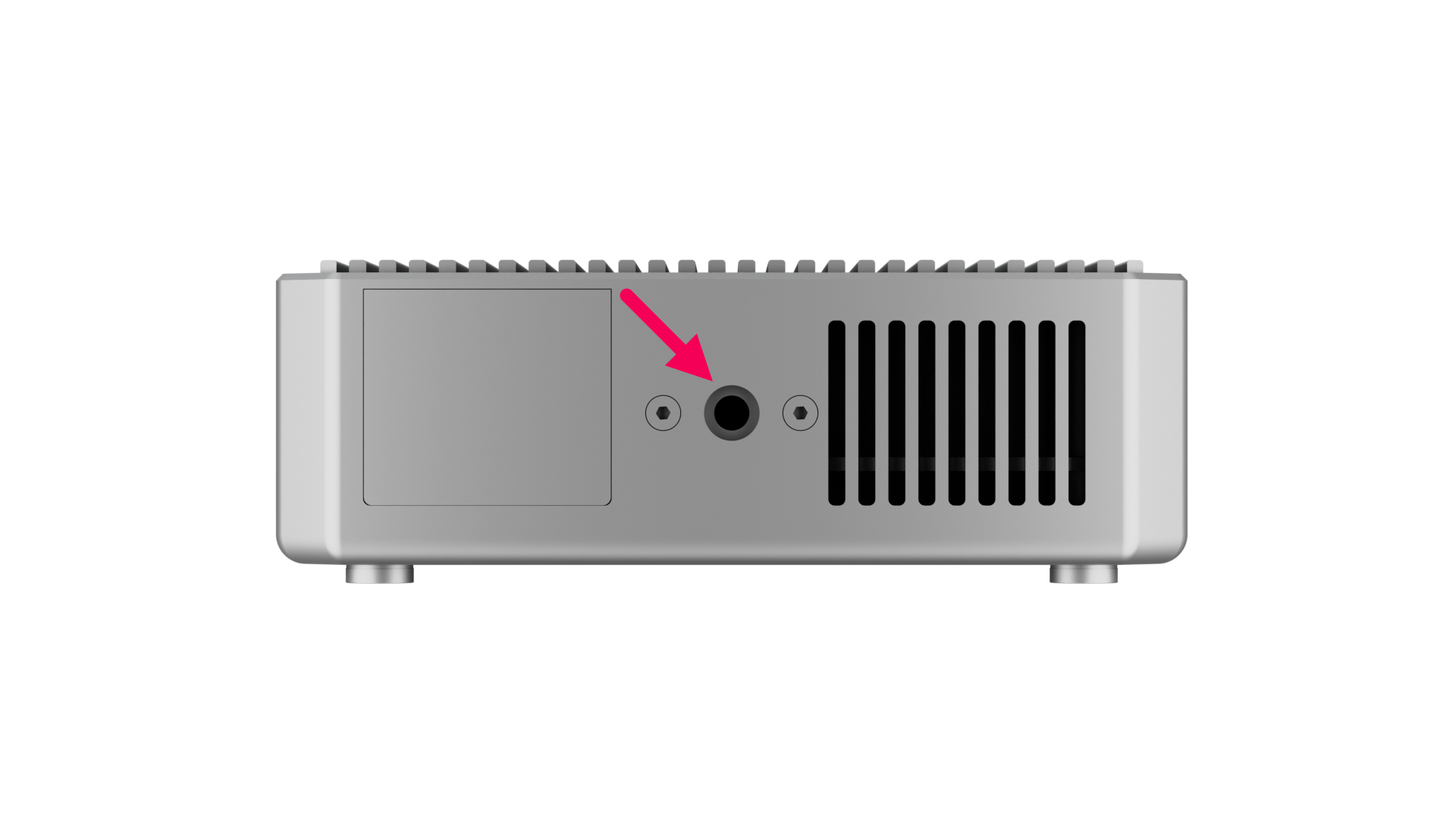 |  |
|---|
- Mounting Orientations
| Vertical | Horizontal |
|---|---|
 |  |